
Your Guide to Pronto
To get started:
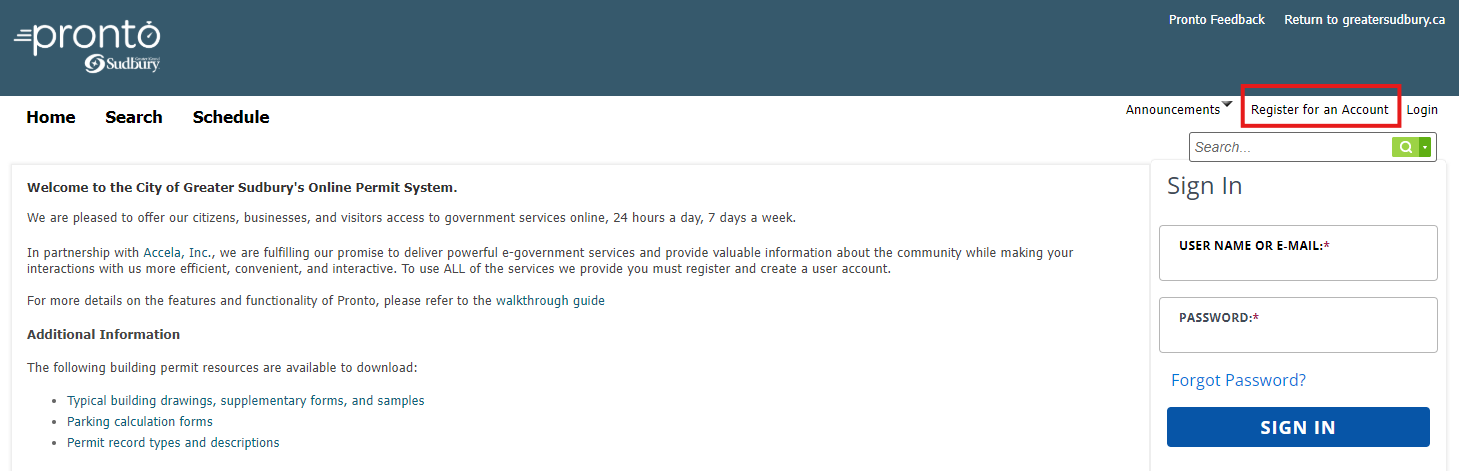
1. Navigate to the Pronto homepage, using the latest version of Google Chrome, Microsoft Edge, or Firefox.
2. Select Register for an Account in the top right corner of the page.
3. Follow the on-screen instructions to register an account.
Once registered:
1. Navigate to Pronto and sign-in using your newly registered account.
2. Select the Apply tab in the top menu bar followed by Apply for a Planning Application to get started.

If you are interested in learning about additional features and capabilities of Pronto, please refer to the detailed work instructions below.
As part of a PRONTO submission you may be required to submit specified documents. Additional forms and resources can be accessed below.